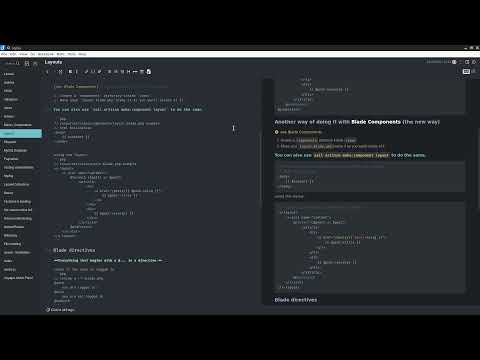
How my Joplin looks like
Based on the dark theme from @xplosionmind
Modified to look more like the One Dark Pro on vscode. Took some inspiration on the PHPStorm Nord theme.
- Added margins to the editor
- Add custom headers (with 1 color per header)
- Custom notes separator
- Better reading experience (subjective)
- fixed note links contrast with new modern icon
- responsive multi-column markdown render
- 2-column export for pdf
- Clean CSS
userchrome.css is used to style the entire app, userstyle.css is used to style the parsed markdown, instead.
On newer versions of Joplin, you'll need to activate the Legacy Markdown Editor :
In order to use these stylesheets, place them in ~/.config/joplin-desktop/ on linux, and in %userprofile%\.config\joplin-desktop\ on windows.
- Editor font family : Fira Code font size at 13
- Noto Sans JP
- Roboto
If you want to use those, don't forget to enable the rich markdown plugin and check this option bellow :